Product updates
What's new in Edge.
Each feature we release, explained: what it is, how to use it and what to know before you start.
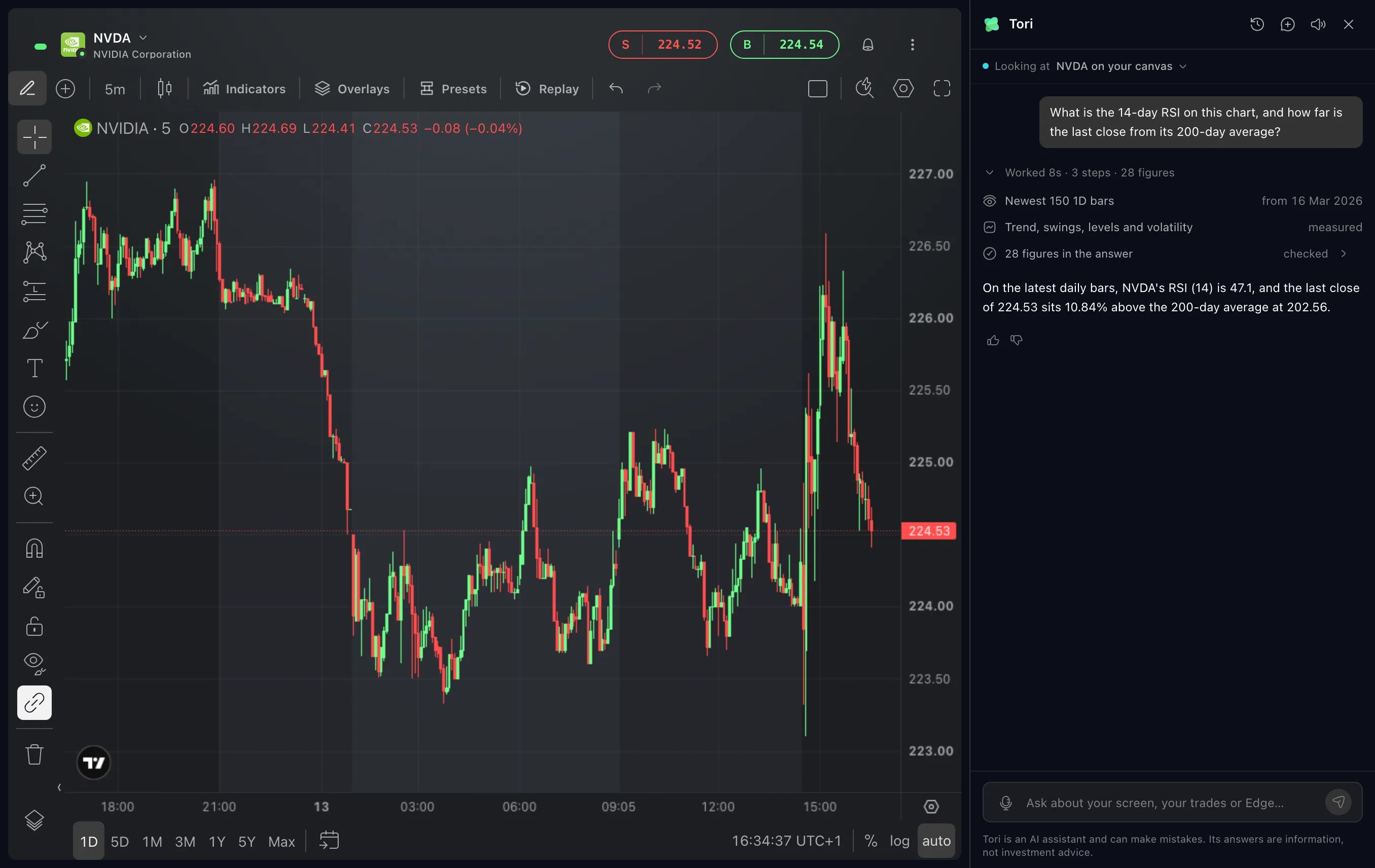
Tori
See what Tori did
Tori's answers now start with a line that says how long the answer took and in how many steps. Open it to see what Tori read, what it measured and what it changed.
Read more
October 2026
Trading
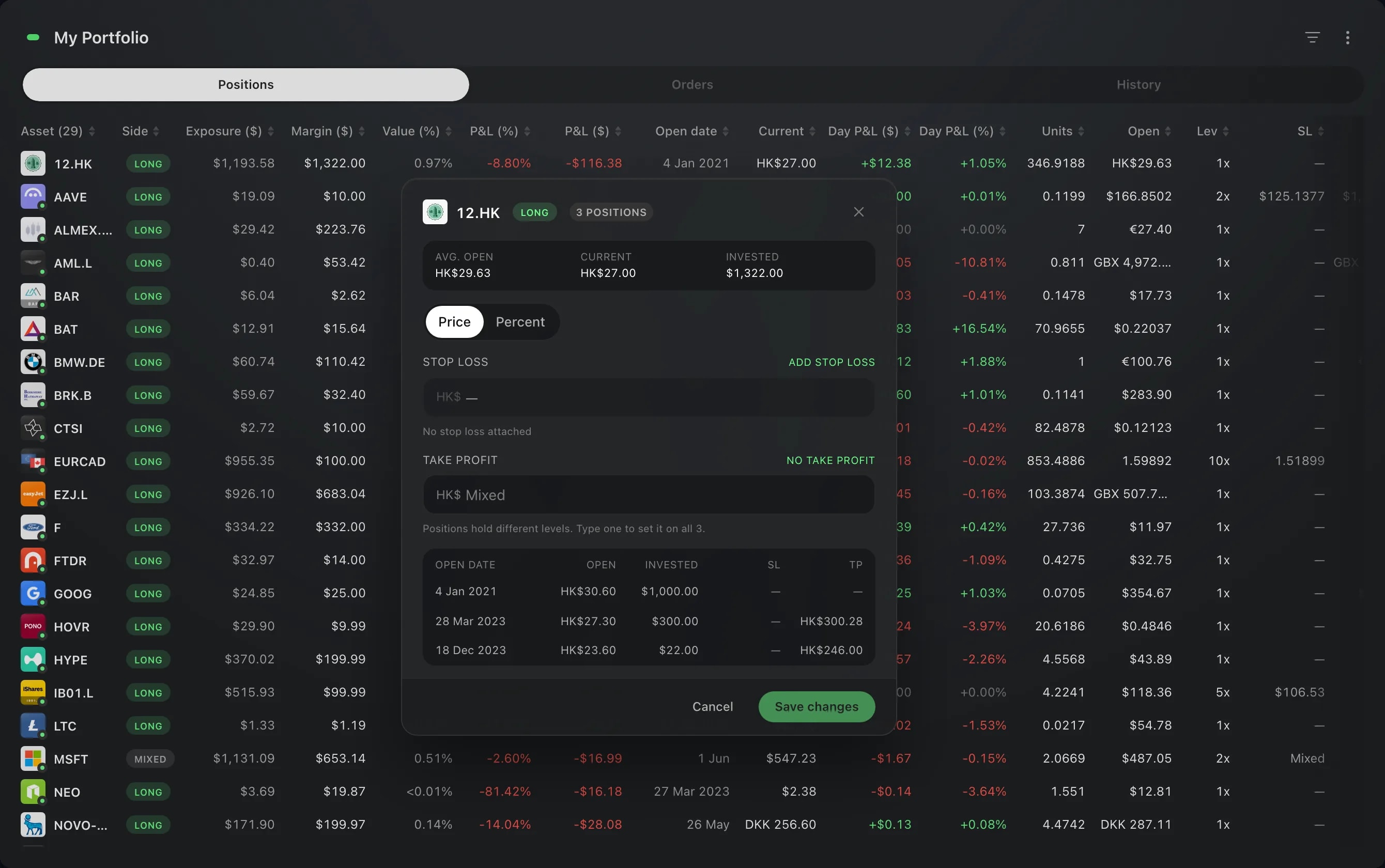
One stop loss for a whole holding
Hold several positions in one asset? Set their stop loss and take profit together in My Portfolio, in one editor.
Charts
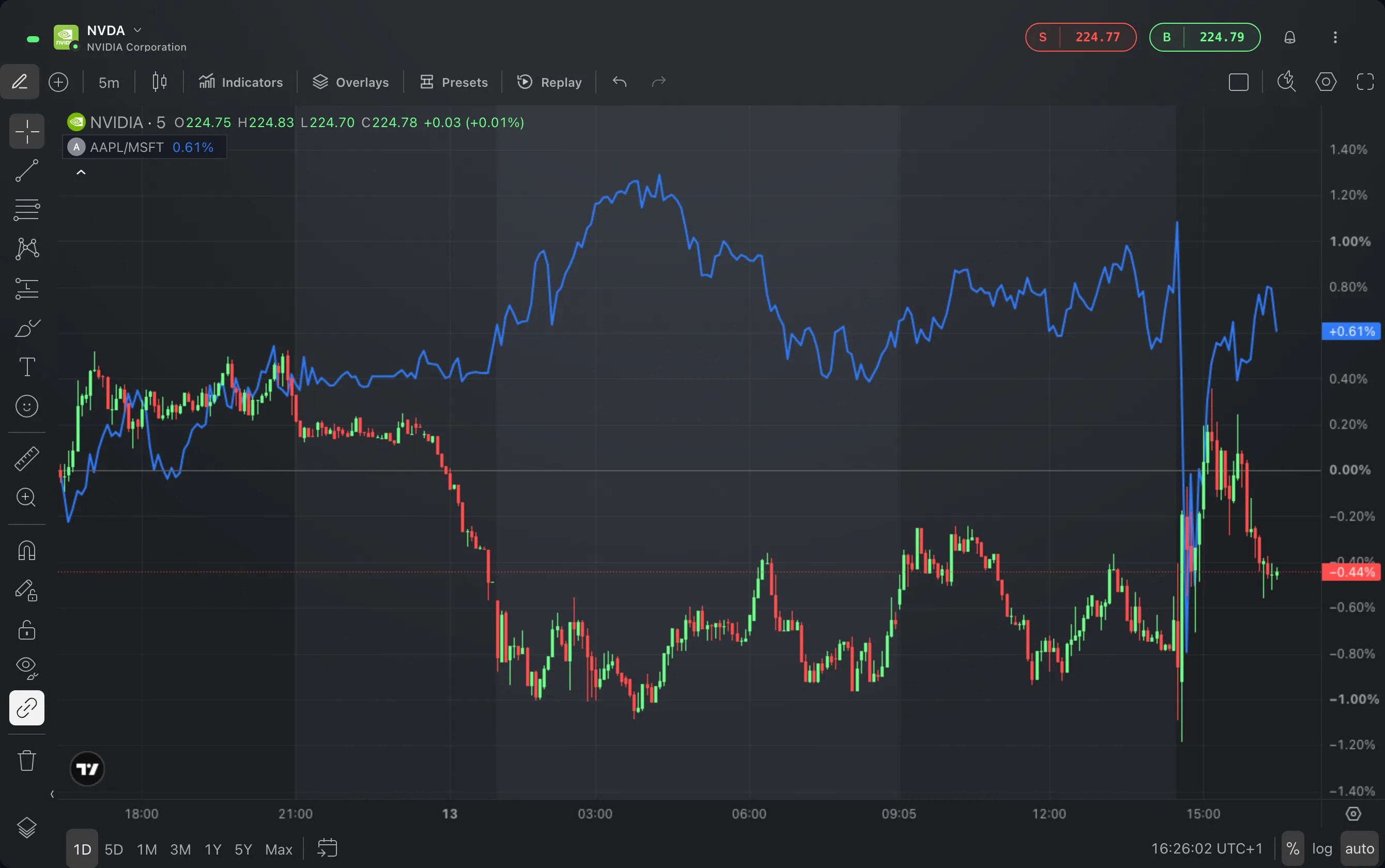
Custom intervals and spread charts
The chart's interval menu has more choices and takes an interval of your own, and Compare charts an expression such as AAPL/MSFT as one line.
App
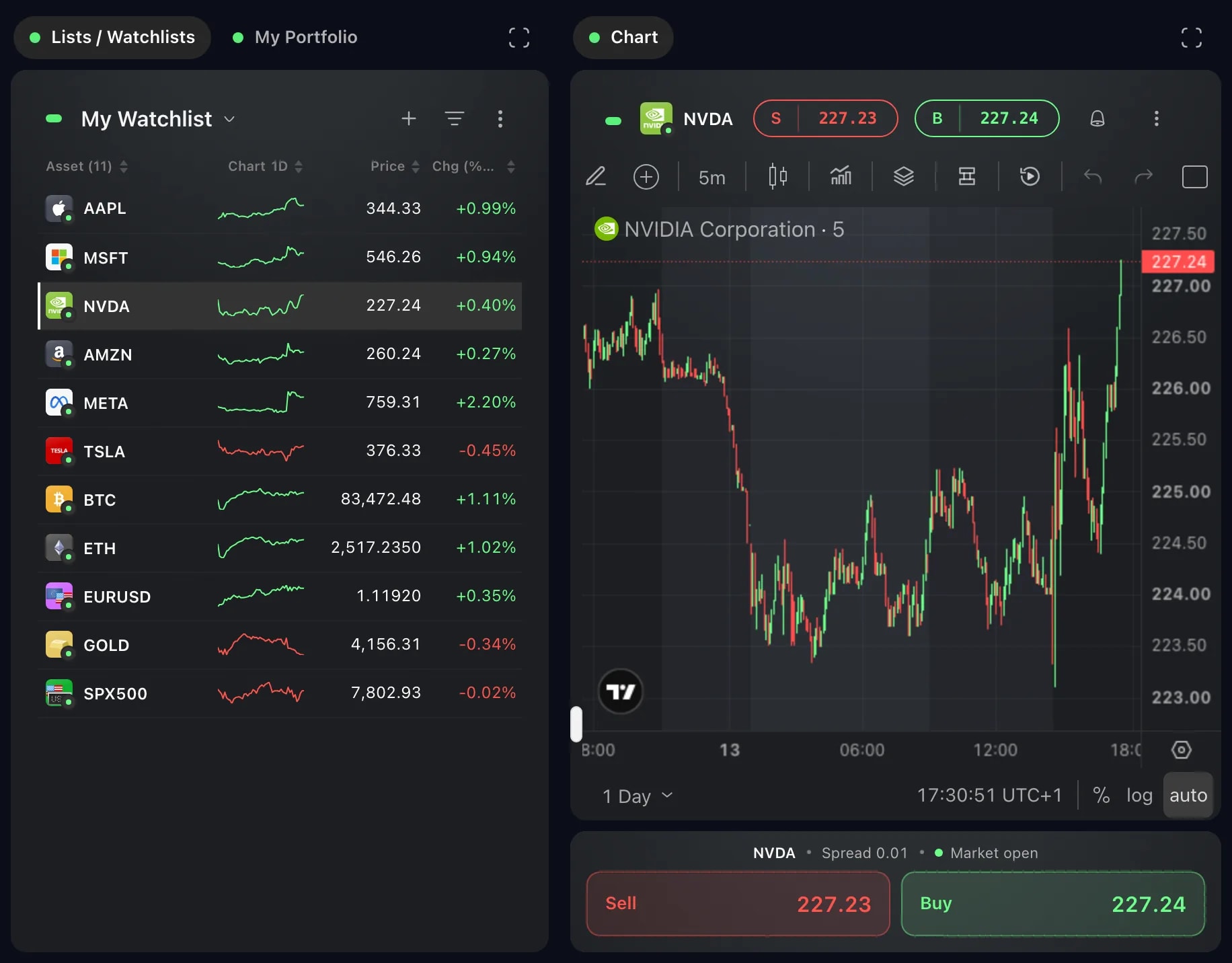
Edge on foldables and tablets
On an unfolded foldable, an upright tablet or a narrow window, your layout opens as two pages: your lists on one, and what you pick from them, with Sell and Buy, on the other.
Layouts
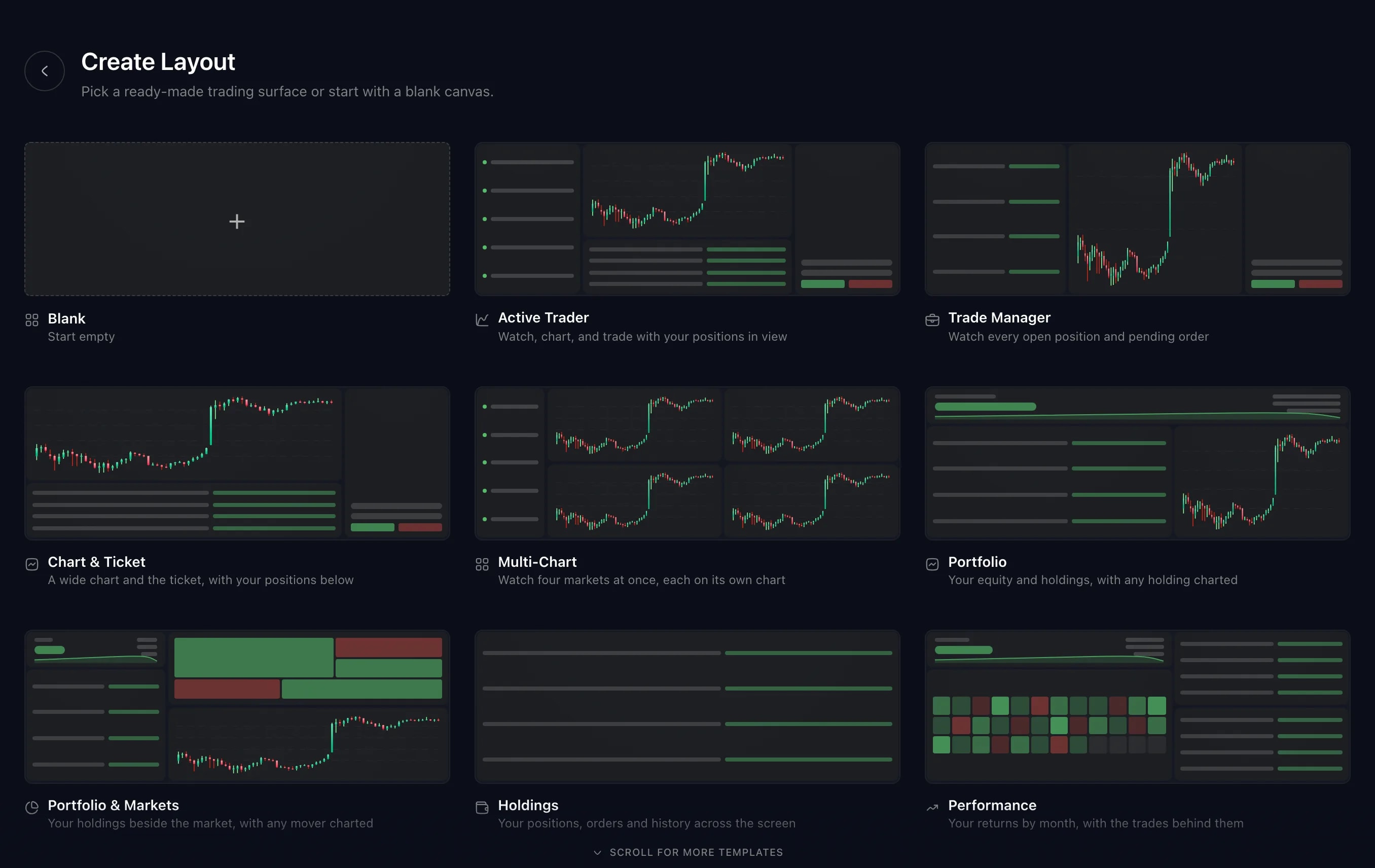
New ready-made layouts
Create Layout has more ready-made layouts, each arranged and linked for one job, from scanning the market to reading one market on two timeframes.
Trading
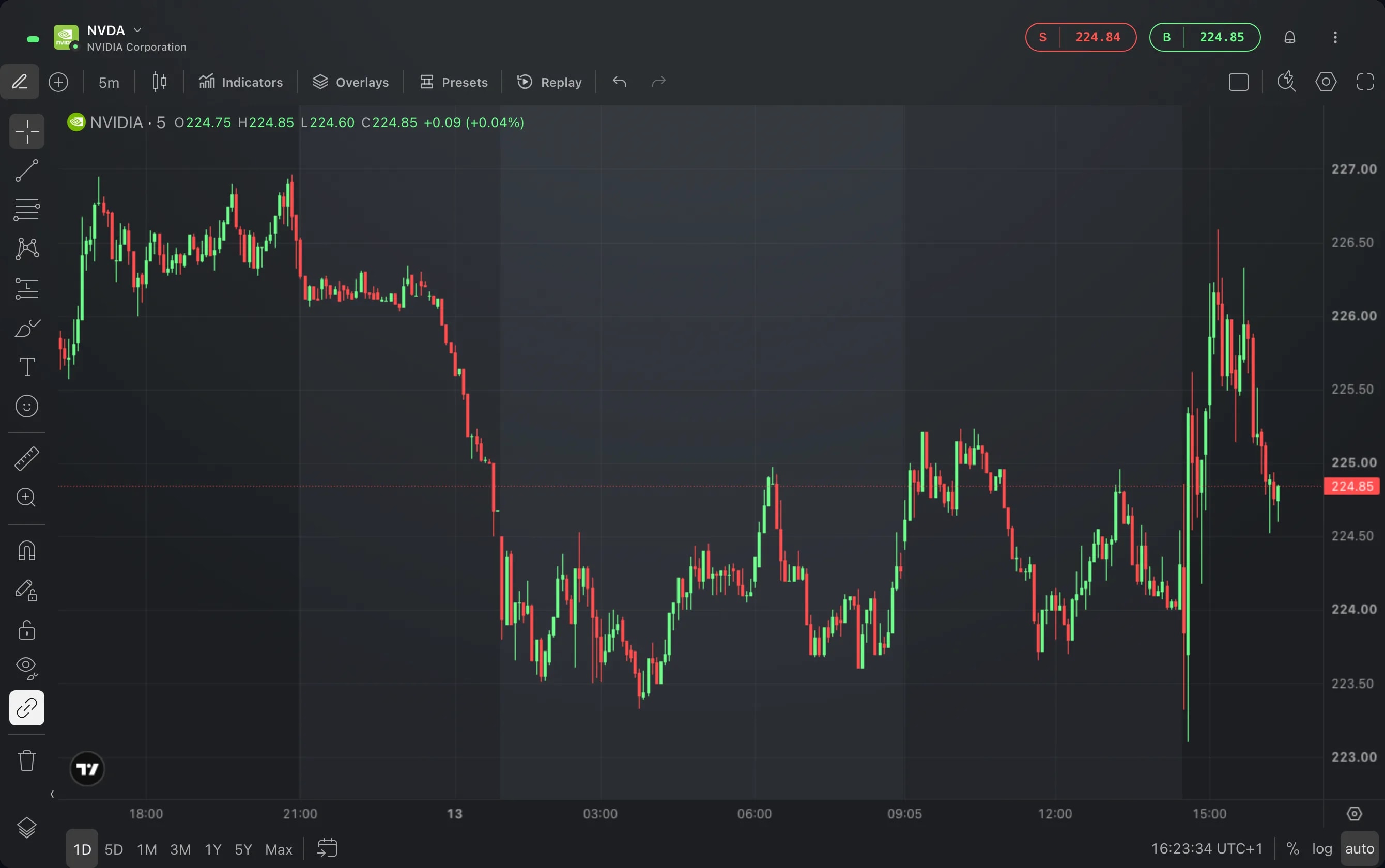
Pre-market, after hours and overnight
Outside regular hours, Edge names the session a US stock is trading in: pre-market, after hours or overnight. See it in the Order Ticket, on the chart and in Market Hours.
Portfolio
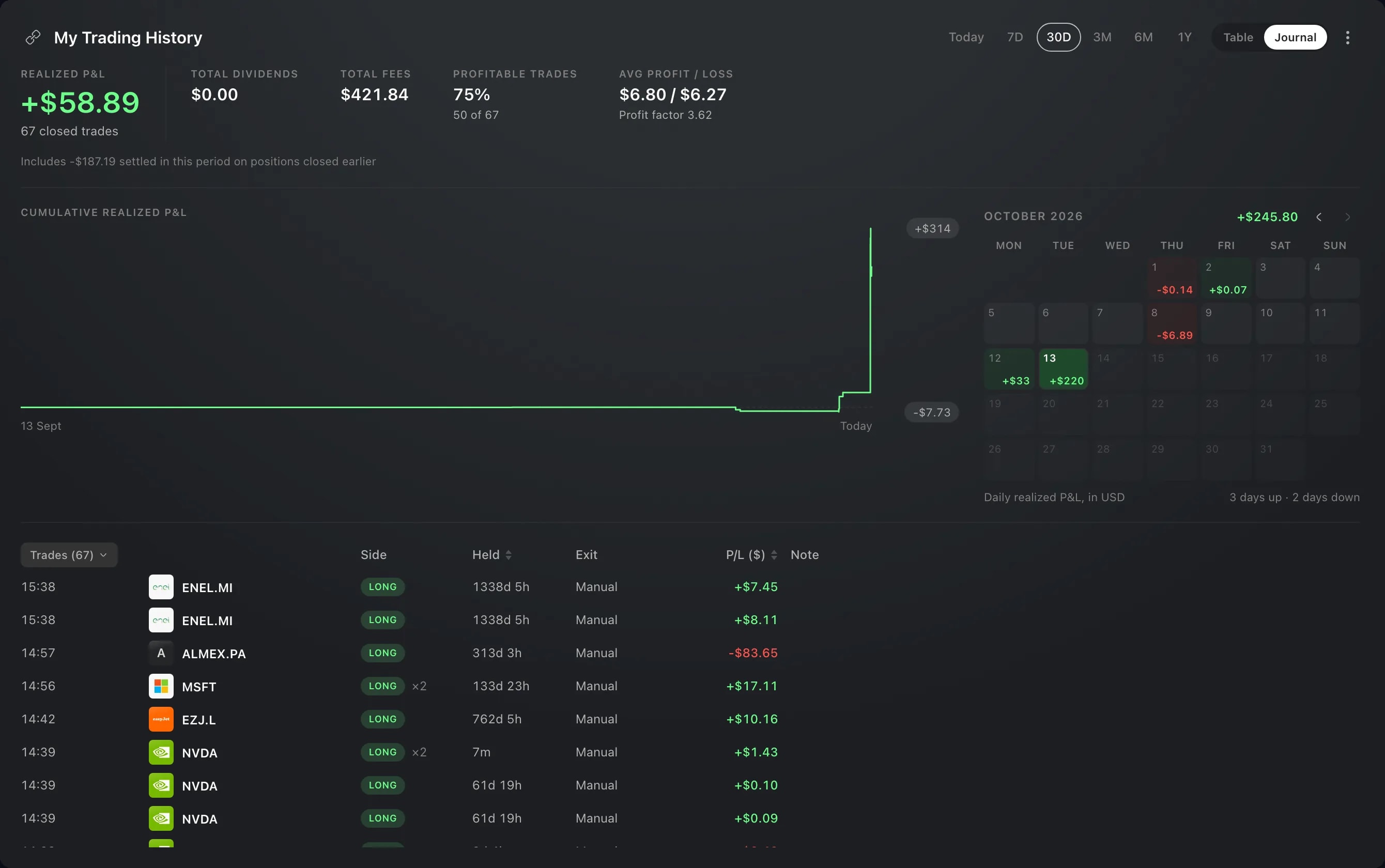
Trading journal
Trade History and My Portfolio have a Journal view: the period's Realized P&L as a curve and a calendar, closed trades grouped your way, and your notes.
Charts
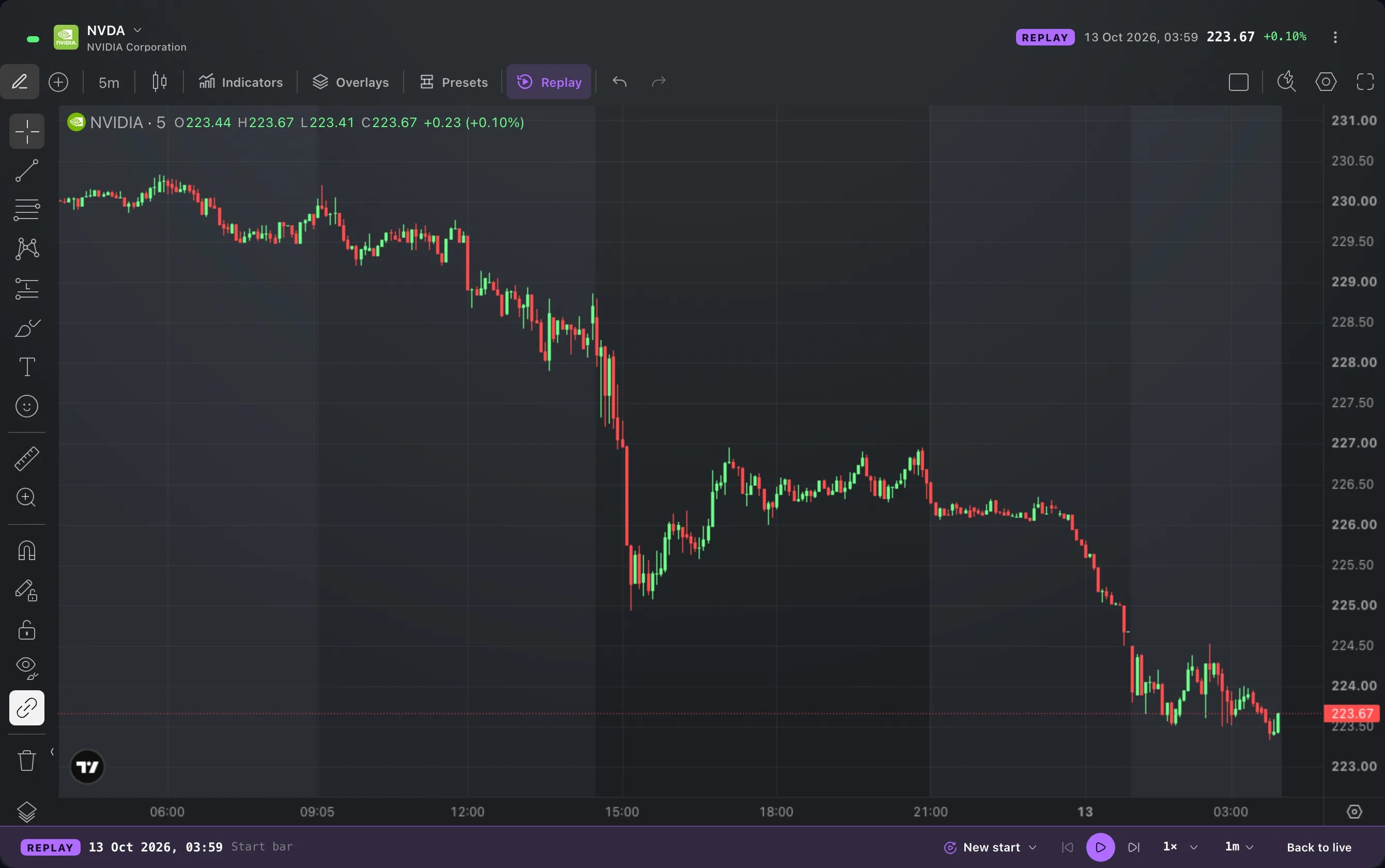
Replay the chart
Play back any instrument's price history bar by bar, from the moment you choose and at the speed you choose.
App
Light theme
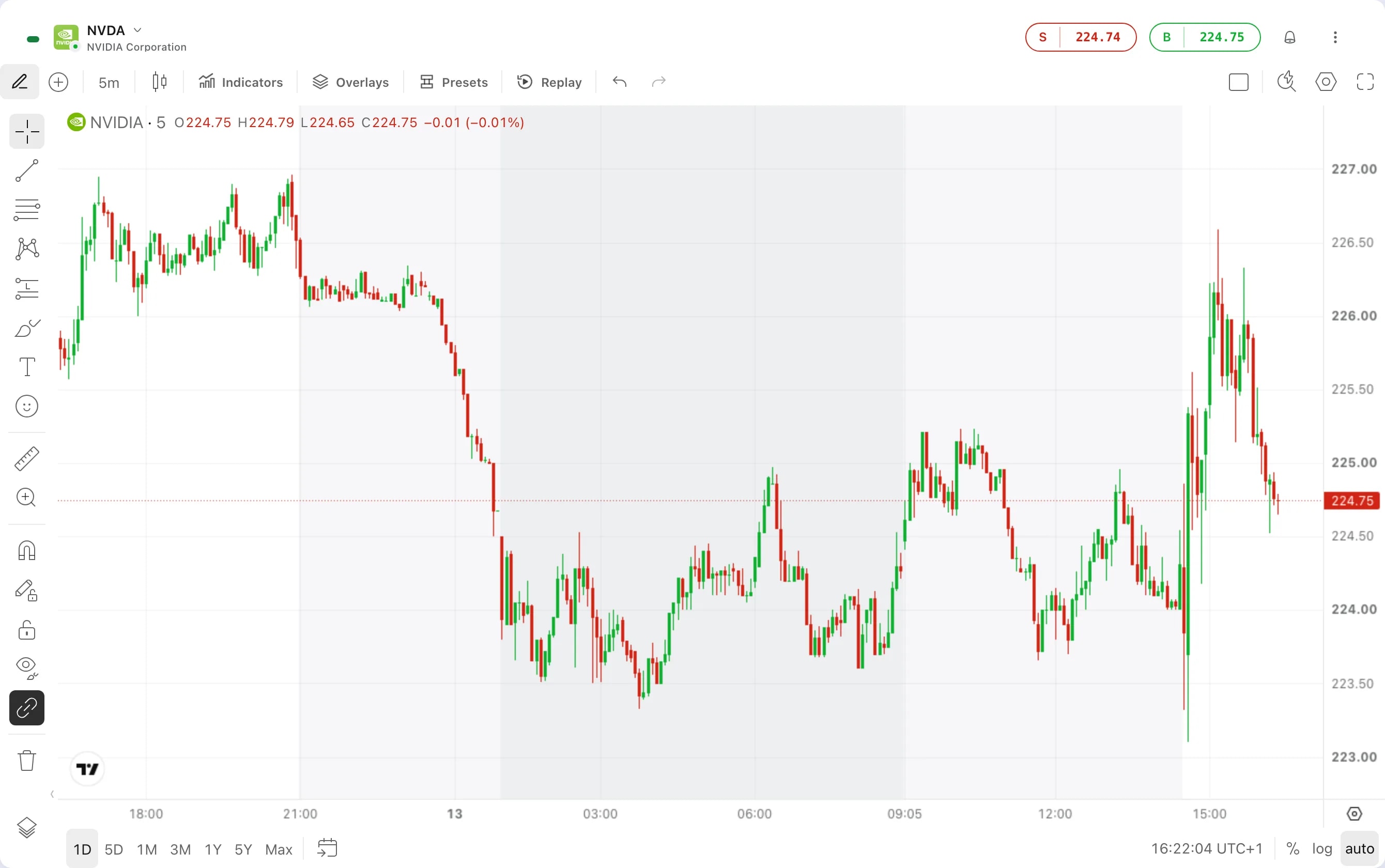
Edge now comes in light as well as dark. Choose Light, Dark or System in Settings, and the whole workspace follows, charts included.