Charts
Custom intervals and spread charts
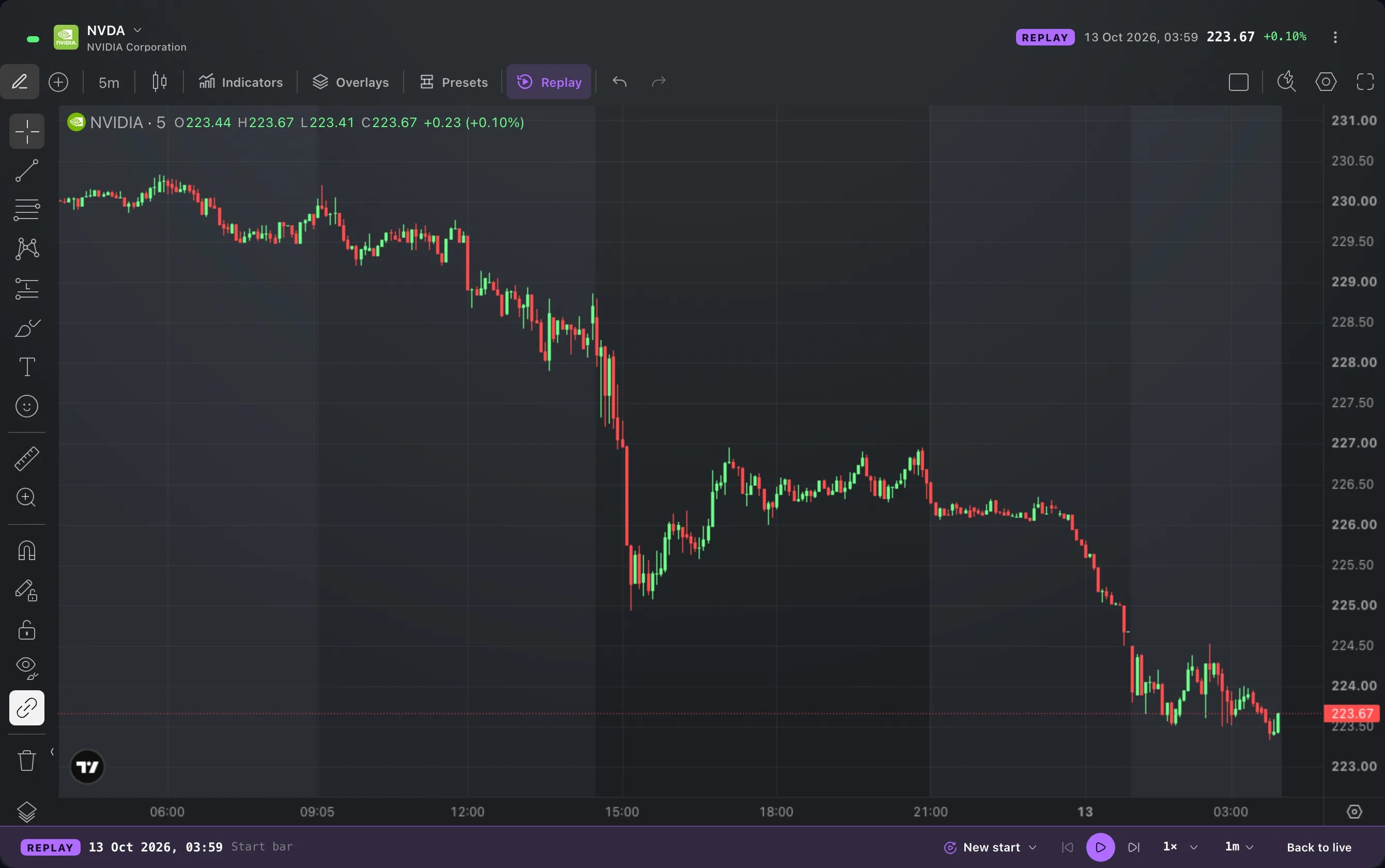
The chart's interval menu has more choices and takes an interval of your own, and Compare charts an expression such as AAPL/MSFT as one line.
What it is
Two additions to the Chart widget. The interval menu offers many more candle sizes, from 2 minutes to 12 months, and takes an interval that you define. And the Compare search accepts an expression in place of a symbol, so a ratio, a difference or an average of several instruments is drawn as one line.
A longer or a shorter candle shows the same price history in a different way. A spread shows how two instruments move against each other, which neither chart shows alone.
How to use it
Open the interval menu in the toolbar at the top of the chart. It is the button that shows the current interval, such as 5m. The list is grouped into minutes, hours and days. Pick 2 hours, 3 days or 3 months as you would pick any other interval.
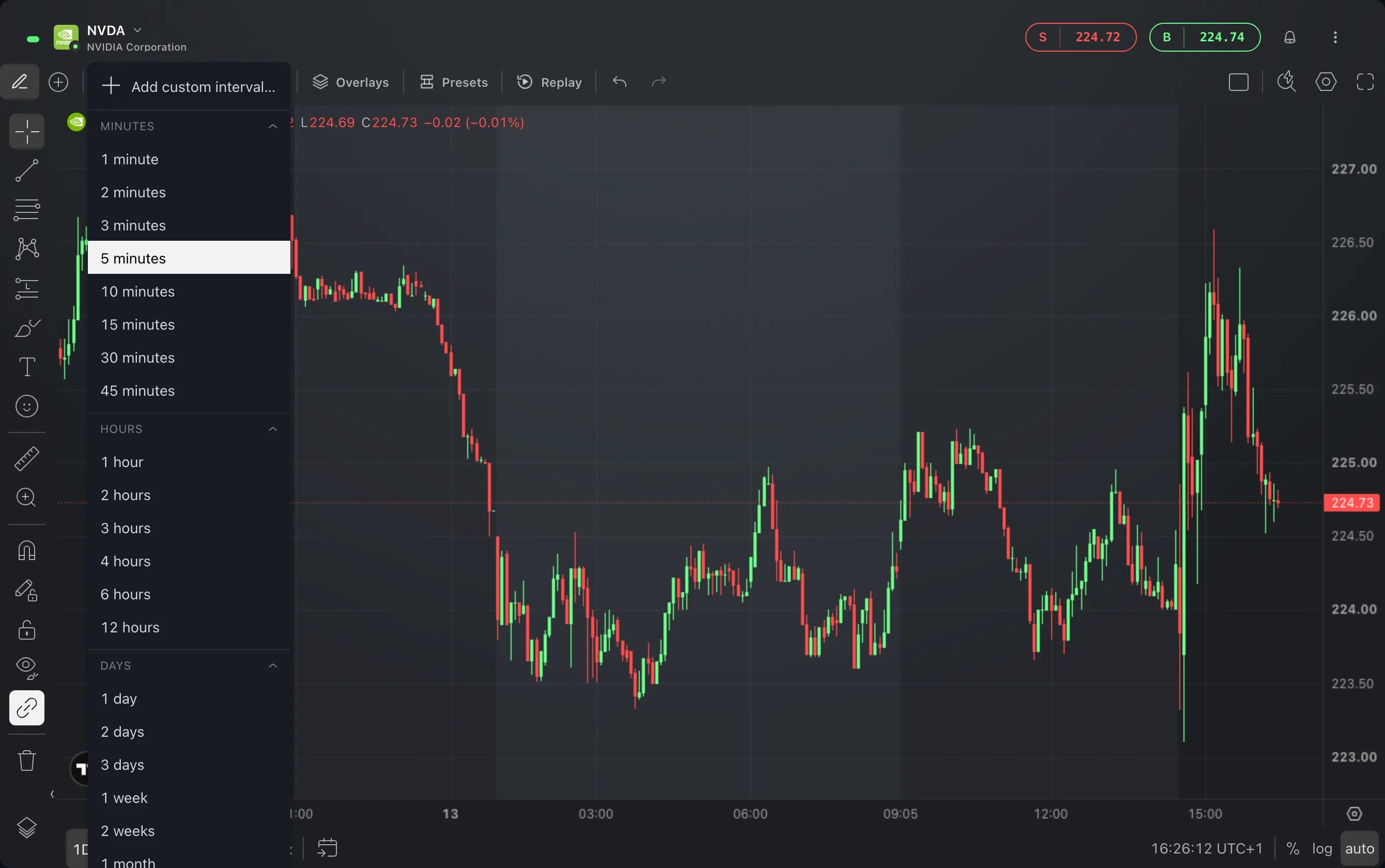
For an interval that is not in the list, choose Add custom interval… at the top of the menu. Choose its type, enter a number and confirm.
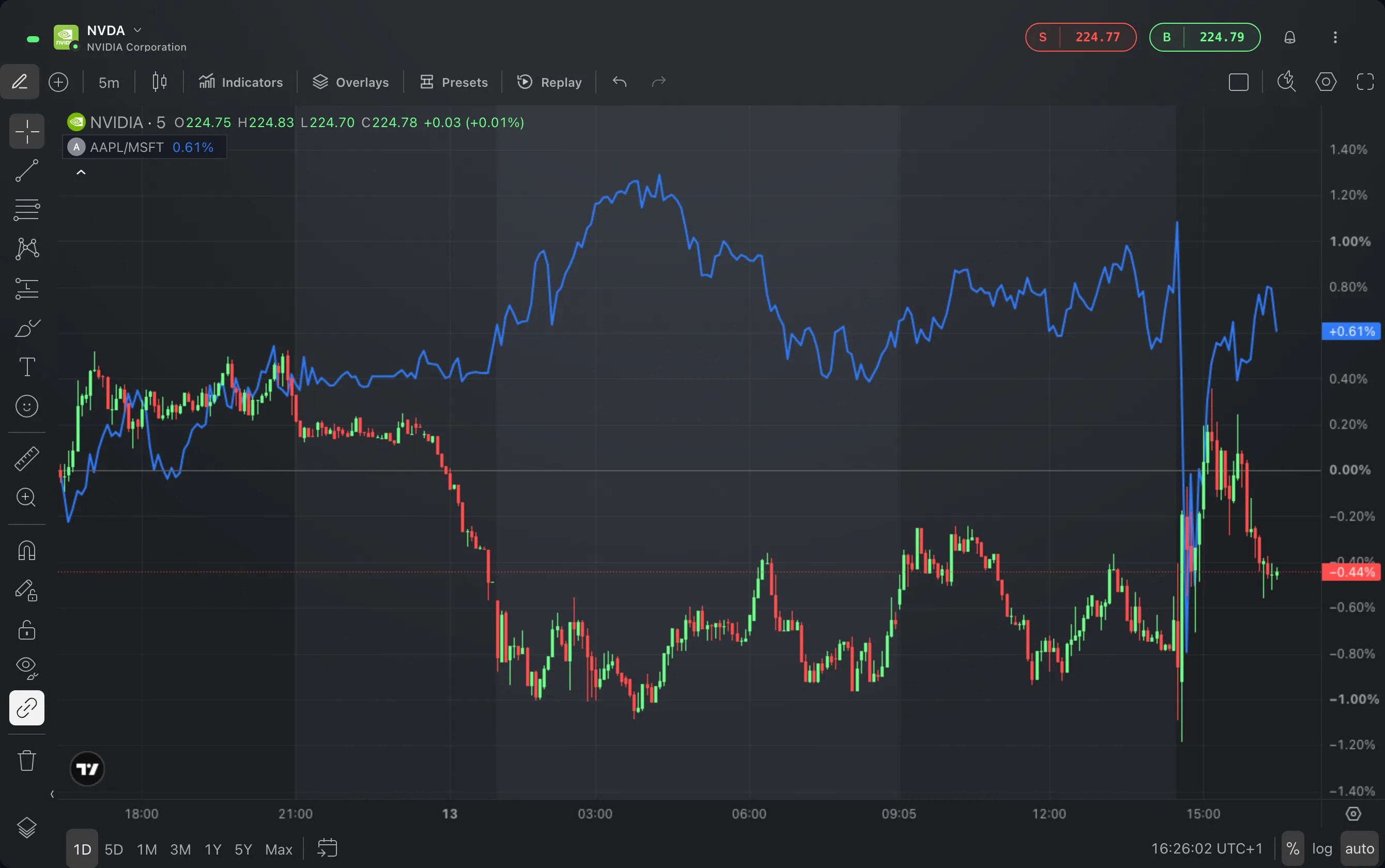
For a spread, choose the Compare button in the same toolbar. It is the plus in a circle, beside the interval. In the search box, type an expression such as AAPL/MSFT and press Enter.
The expression is drawn as a line of its own over the chart, with its name and its change in the top left corner. It takes + − * / ^, numbers and parentheses: NVDA-AMD, (NVDA+AMD)/2 or 2*AAPL-MSFT.
Good to know
The added intervals are built from the ones etoro provides. A 2-hour candle is two 1-hour candles, so these intervals reach as far back as the one they are built from.
A spread exists only at the times when every instrument in it has a candle. BTC/AAPL skips the weekends, when AAPL does not trade.
A spread has no volume, and it reaches back over each instrument's latest 2,000 candles at that interval.
A symbol that contains an operator goes in single quotes, such as 'AAPL.24-7'.
The spread is one more series on the chart, and while it is there the price scale reads in percent. Remove it from its name in the top left corner, as you would remove any compared symbol.
Screens are from a Demo account. The instruments and prices in them are illustrative.