Trading
Close part of a position by amount
Closing a position now starts from what it is worth. Type a smaller amount to close part of it, or choose 25%, 50%, 75% or MAX.
What it is
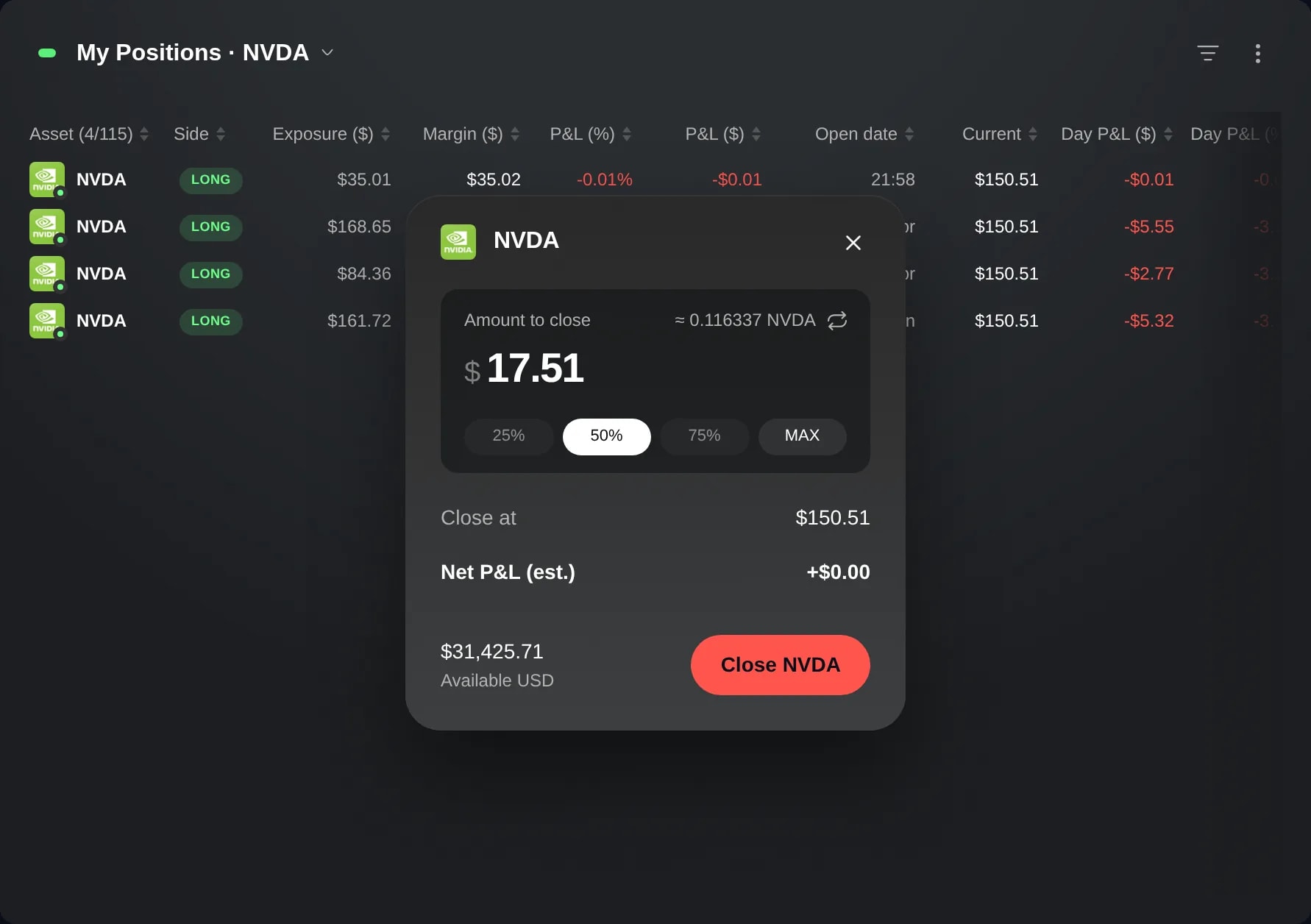
Closing a position in edge now starts from what the position is worth. While its market is open, the close card opens on its value in dollars, with the units that value stands for beside it. Type a smaller amount and edge closes that much of the position. Or choose 25%, 50% or 75% of it, or MAX for all of it.
It is for the times you think in money rather than in units: taking a set amount off a position, or half of it, without working out first how many shares or coins that is. If you would rather count units, one click switches the card to units.
How to use it
Open My Positions. Each row there is one of your positions.
Hover the position and choose Close at the end of its row, or right-click the row and choose Close. The close card opens over the widget with MAX selected. While the market is open, the size is Amount to close: what the position is worth now, with its units beside it.
Type a smaller amount to close part of the position. The units beside it show what that amount closes at the current price. 25%, 50% and 75% fill in that share of the position, and MAX puts the whole of it back.
To size the close in units instead, click the arrows next to the units, above the amount. The card switches to Units to close, keeps the size you had and shows what it is worth. The same arrows switch back to the amount.
Check the size and the estimate under it, then choose the button named after the instrument, such as Close NVDA. Nothing is sent before that.
Good to know
The amount is the position's value: the money in it plus its P&L. For a position with leverage, that is less than its exposure.
A typed amount stays as you typed it while the price moves, and the units beside it follow the price. When you send the close, edge closes the units the amount is worth at that moment, rounded down.
An amount above what the position is worth does not close all of it. The card says how much you can close and sends nothing until you lower the amount or choose MAX. Typing the exact value is the same as MAX.
Part of a position can be closed only when the part closed and the part left open are each worth at least the instrument's minimum. A share that would break that rule is greyed out, so a small position may close only with MAX, which is always there.
The size is in units, with no arrows to switch, while the market is closed or the card has no live price for the position, and in some accounts. So is an instrument traded only in whole units: a futures position counts in contracts.
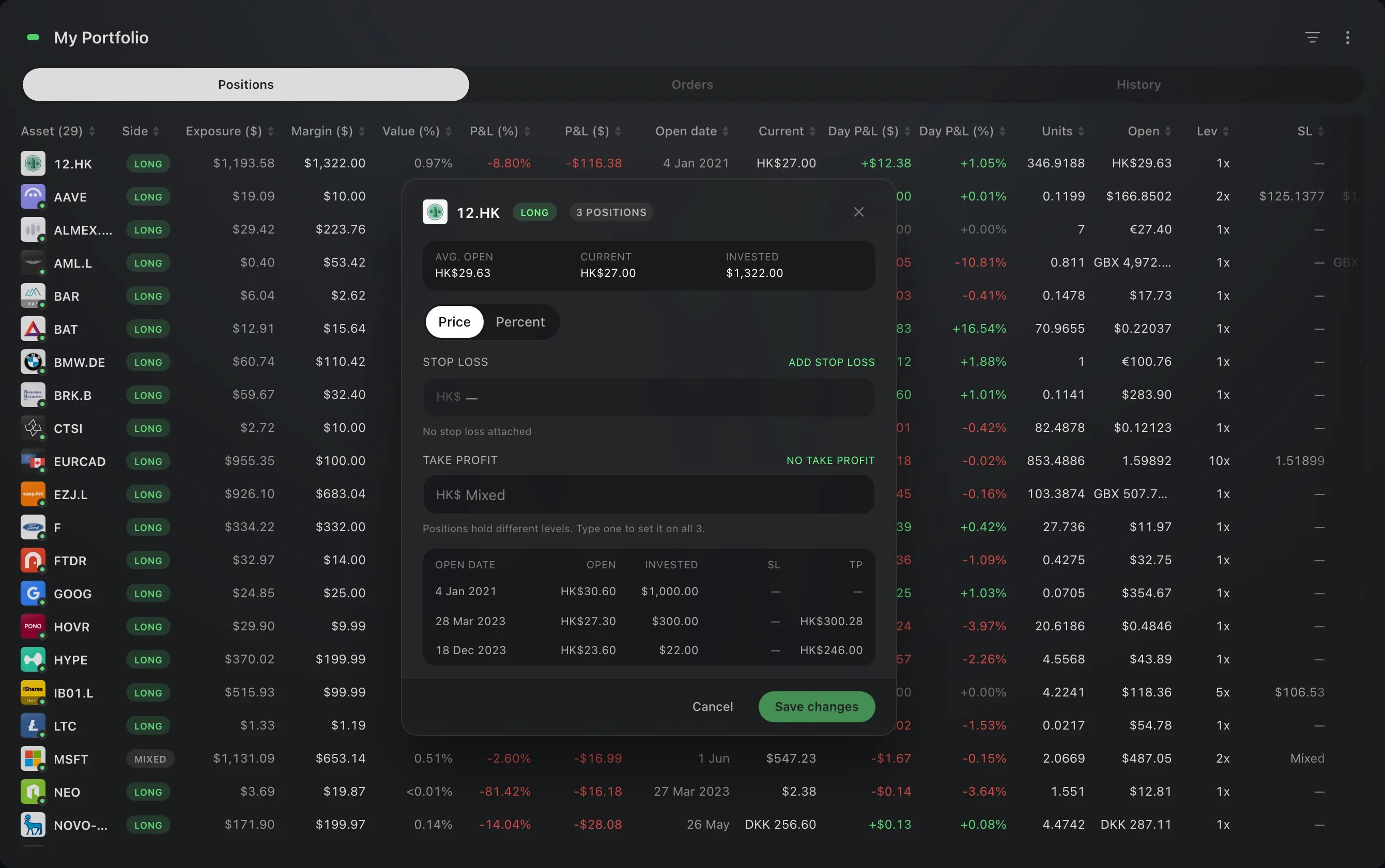
In My Portfolio, an asset you hold in a single position has the same Close in its right-click menu, and it opens the same card. For an asset held in several positions, that menu has Close All, which closes every one of them whole.
Screens are from a Demo account. The instruments and prices in them are illustrative.